
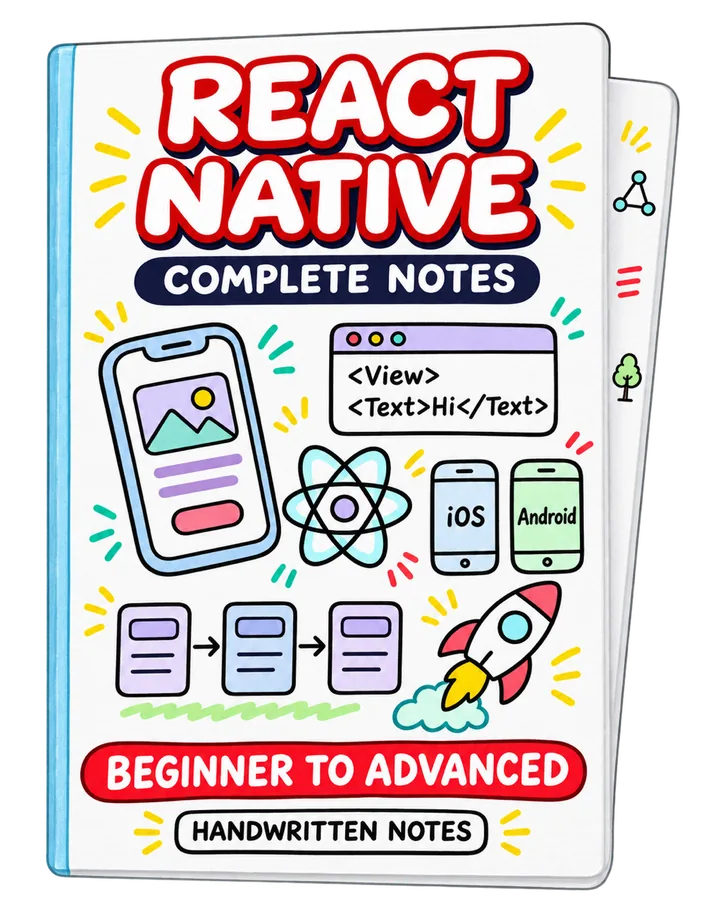
Tech · Beginner to Advanced · Handwritten PDF notes
React Native Complete Notes
Instant PDF download after payment. Pay once, keep forever.
- Instant download
- Lifetime access
- UPI, GPay, PhonePe, cards
Complete coverage
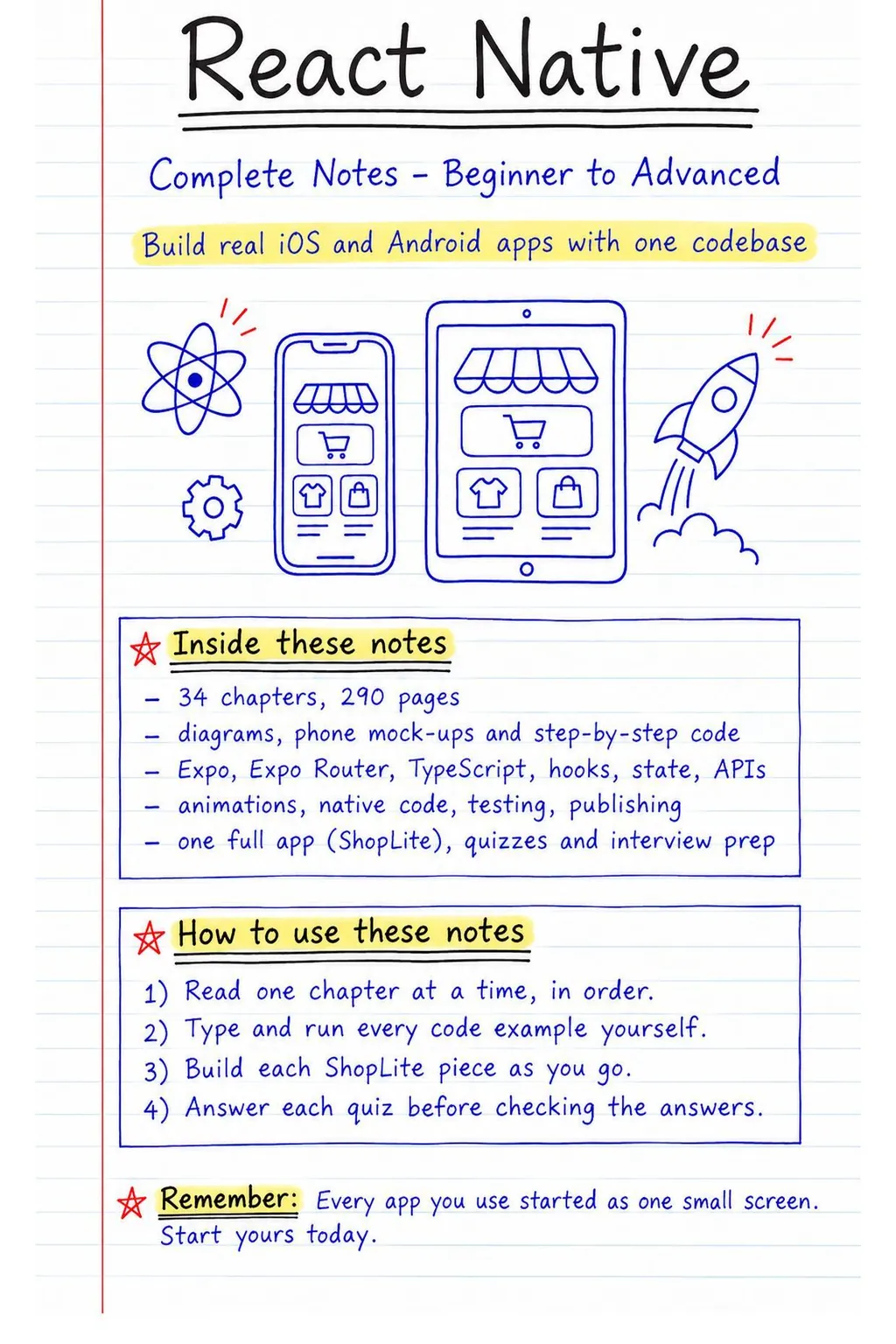
What you learn in all 34 chapters
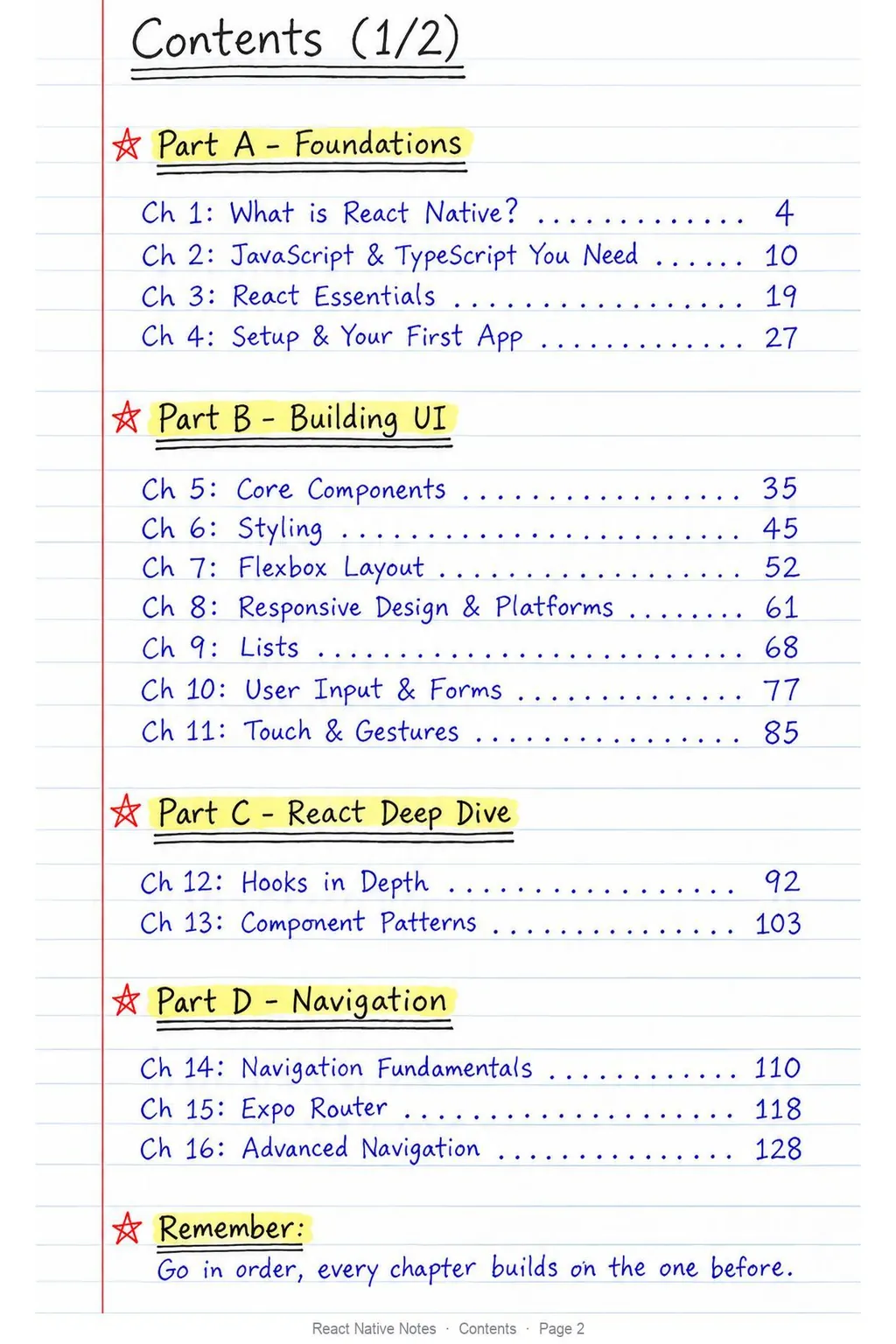
Open any chapter to see every topic it covers and the page it is on.
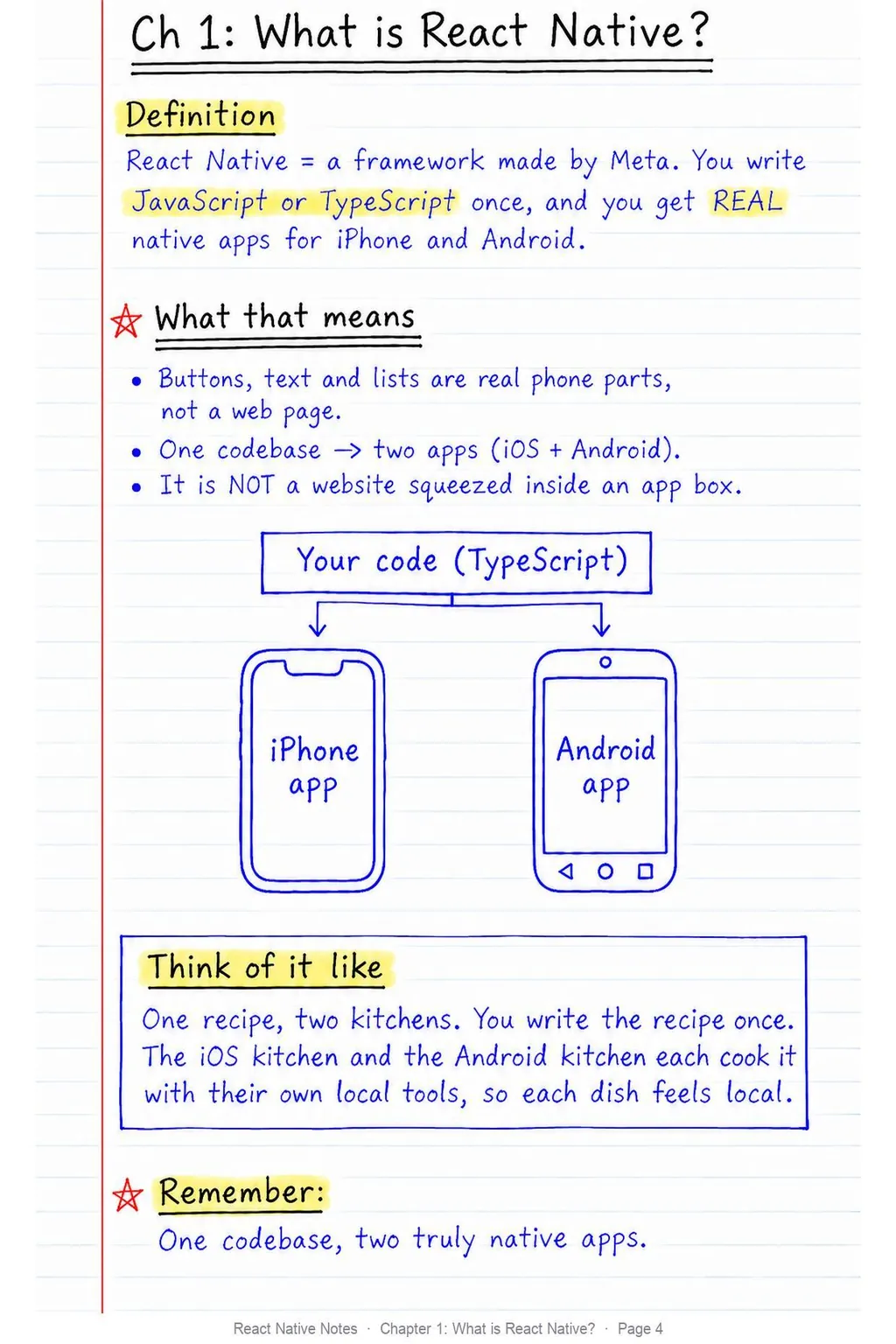
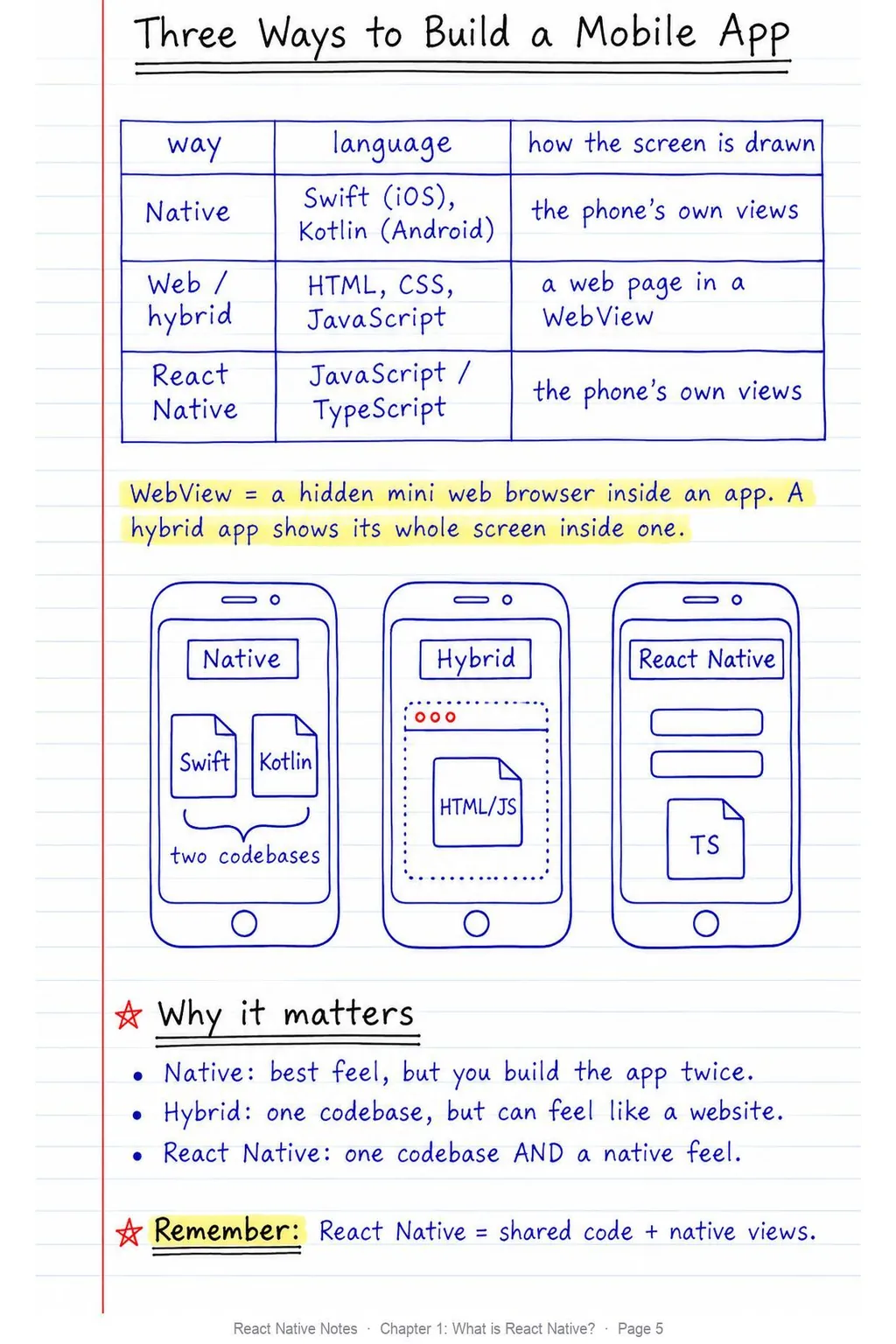
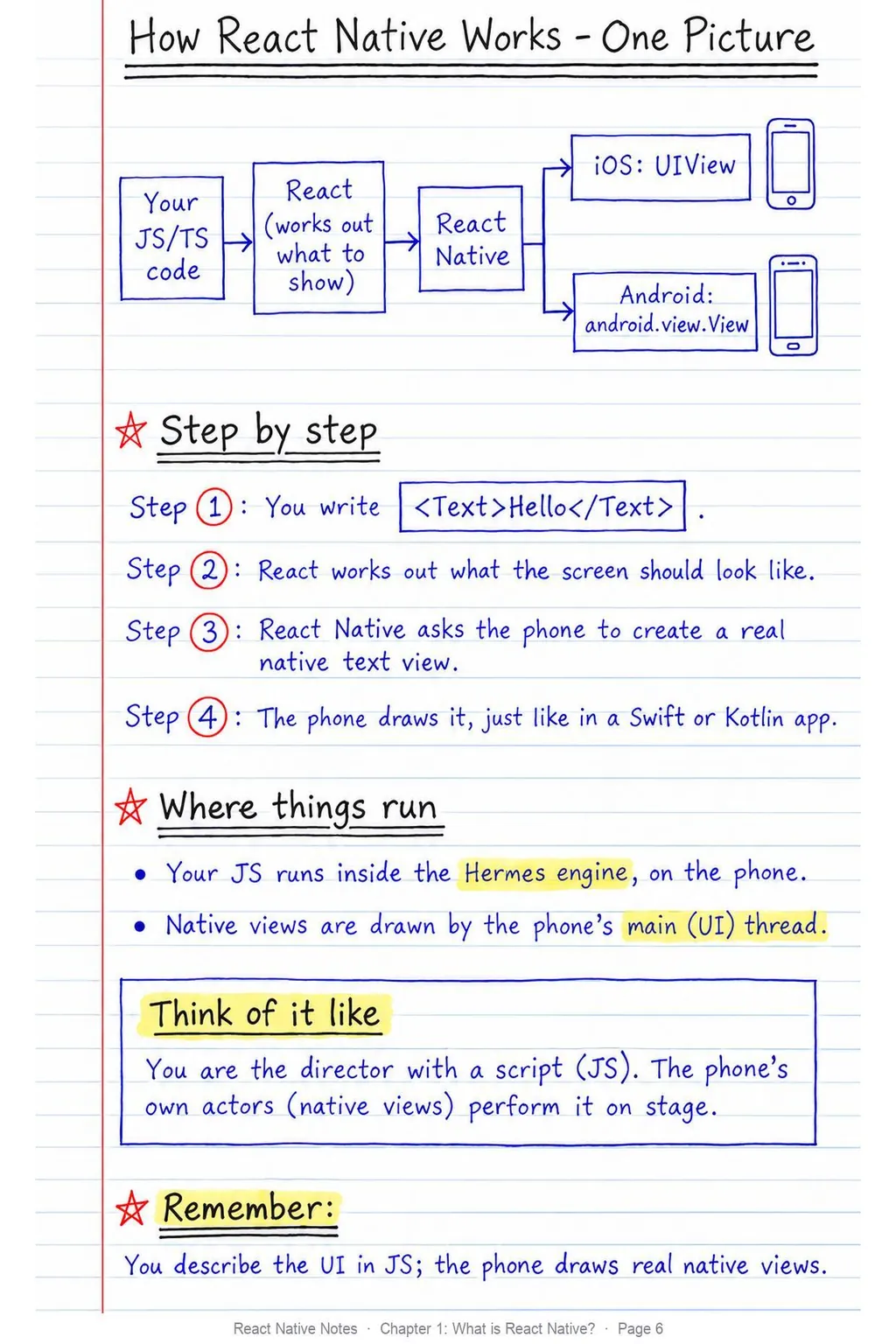
Learn what React Native is, the three ways to build a mobile app, how React Native works in one picture, how it differs from React, and how it compares with Flutter, native and Ionic.
Get the JavaScript and TypeScript you need: arrow functions, objects and destructuring, spread and optional chaining, array methods, modules, async/await, types, interfaces, unions and generics.
Learn React itself: components, JSX rules, props, state with useState, how re-rendering works, events, conditional rendering and lists with keys.
Choose between Expo and the React Native CLI, install what you need, create and run the ShopLite app, understand the project structure, Fast Refresh and the dev menu, and build your first screen.
Use the core building blocks: View, Text, Image, TextInput, ScrollView, Pressable and Button, Switch, ActivityIndicator, Modal, Alert, SafeAreaView and StatusBar.
Style apps with StyleSheet: units, colours, borders and corners, iOS and Android shadows, style arrays and conditional styles, text styling, custom fonts and how it differs from web CSS.
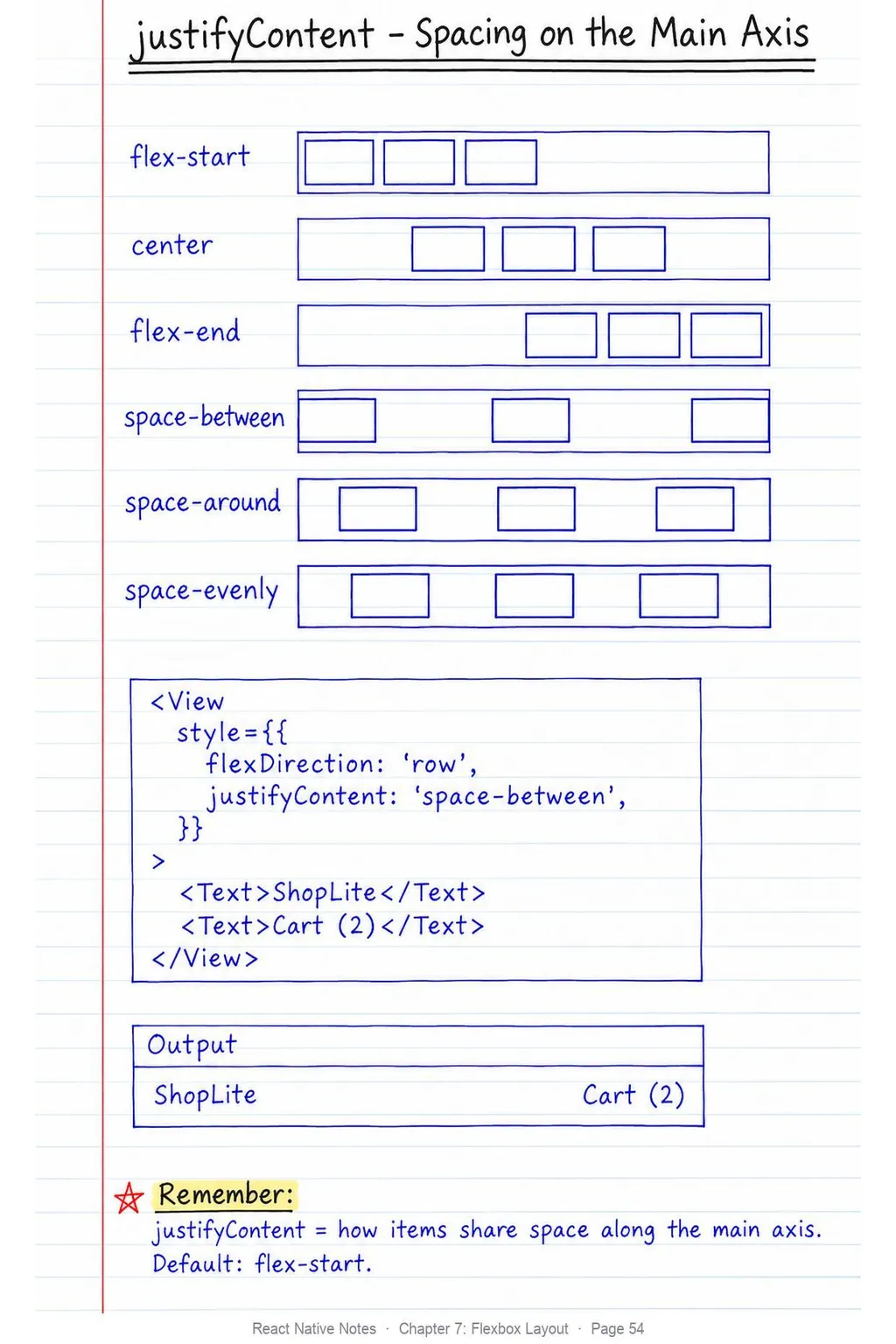
Lay out screens with Flexbox: main and cross axis, flexDirection, justifyContent, alignItems, flex: 1, flexWrap and gap, absolute positioning for a cart badge, and a header, content and footer recipe.
Build for many screens with dp, useWindowDimensions, percentages and aspectRatio, handle iOS versus Android differences, rotation and tablets, and safe areas.
Show long lists fast with FlatList: renderItem and keyExtractor, separators, headers and empty states, pull-to-refresh, infinite scroll, grids, SectionList and FlashList.
Build forms with controlled TextInputs, useful input props and keyboard handling, check input by hand, then use React Hook Form with Zod validation, switches, pickers and date pickers.
Respond to touch with Pressable, hitSlop and long presses, then use Gesture Handler for taps, dragging a box and swipe-to-delete.
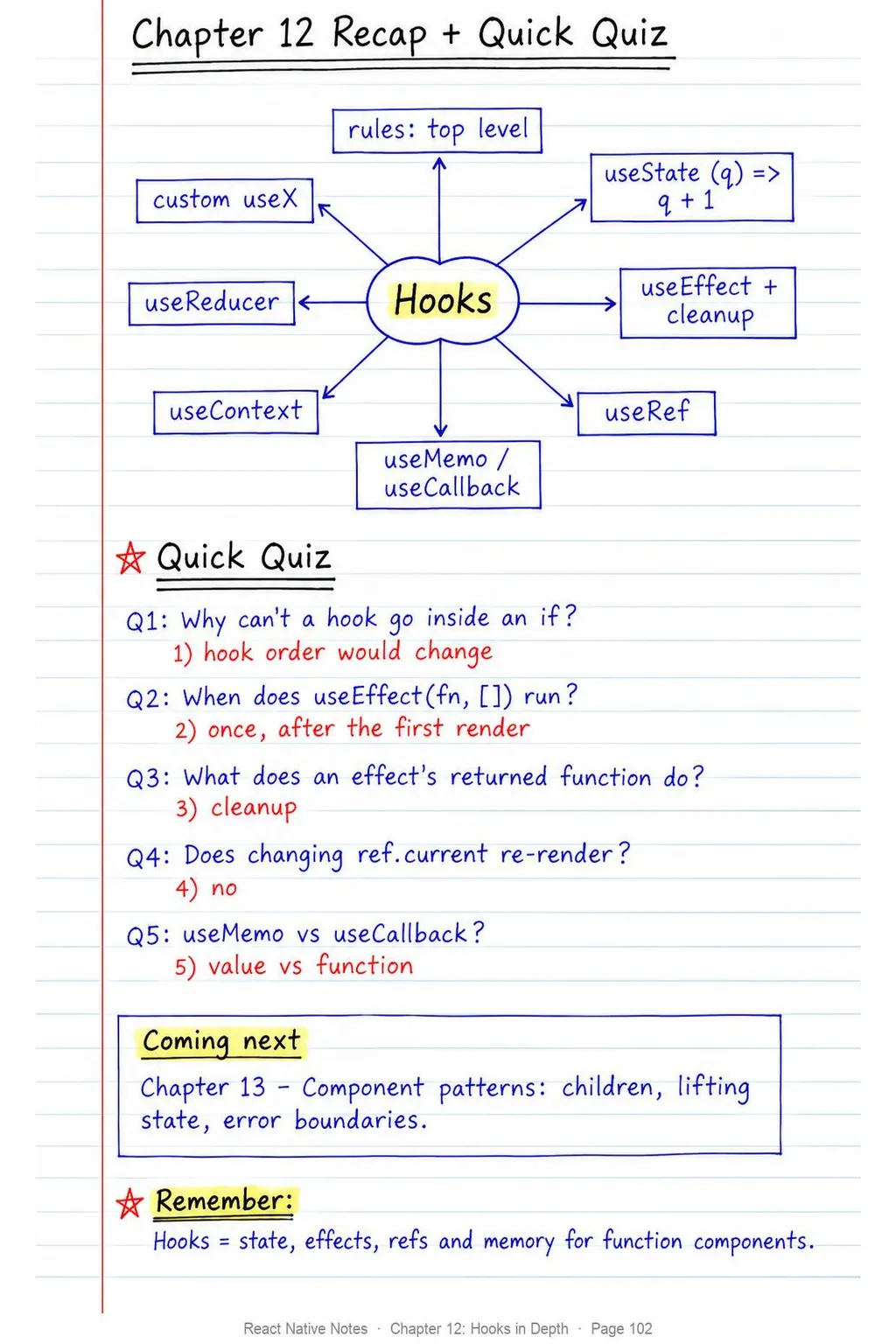
Master hooks: the rules of hooks, useState updates, useEffect timing and cleanup, useRef, useMemo, useCallback, useContext, a cart with useReducer and your own useDebounce hook.
Write cleaner components with composition and children, lifting state up, container and presentational components, compound components, render props and error boundaries.
Understand mobile navigation and the stack, compare Expo Router with React Navigation, set up React Navigation, and move between screens with params.
Use Expo Router's file-based routing: layouts and stacks, Link and router, dynamic routes, tabs, route groups, modals, not-found screens, redirects and screen options.
Add drawer navigation, custom headers, nested navigators, an auth flow with protected routes, deep linking and typed routes.
Manage state: local versus global state, prop drilling, the Context API and when it gets slow, a Zustand cart store, Redux Toolkit slices, and which one to choose.
Talk to servers with fetch and async/await, handle loading, error and data states, send POST requests, build an axios client with interceptors, and fetch data with TanStack Query.
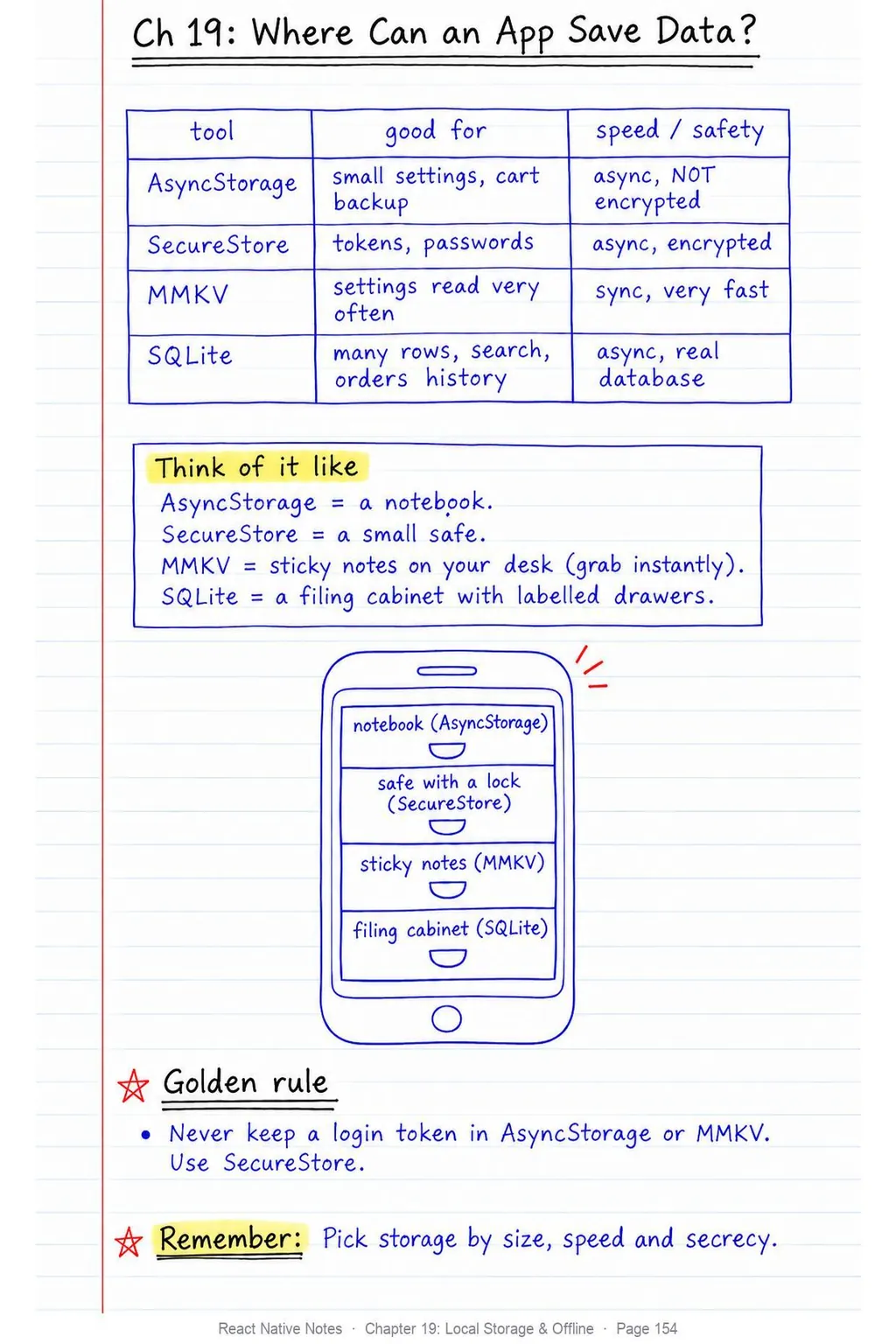
Save data on the phone with AsyncStorage, SecureStore, MMKV and SQLite, build offline-first features with NetInfo, and persist a Zustand store.
Add token login: a login screen, an auth store with SecureStore, protected screens, access and refresh tokens, automatic refresh with axios, and social login services.
Use device features with Expo: permissions, the camera, photo picking, location, local and push notifications, haptics, sensors, linking, files, sharing and the clipboard.
Animate apps with the Animated API, interpolation and LayoutAnimation, then Reanimated shared values, timing and springs, repeats, gesture-driven animations and layout animations.
Look under the hood: the threads in your app, the old bridge, the New Architecture with JSI, Fabric, TurboModules and Codegen, and the Hermes engine.
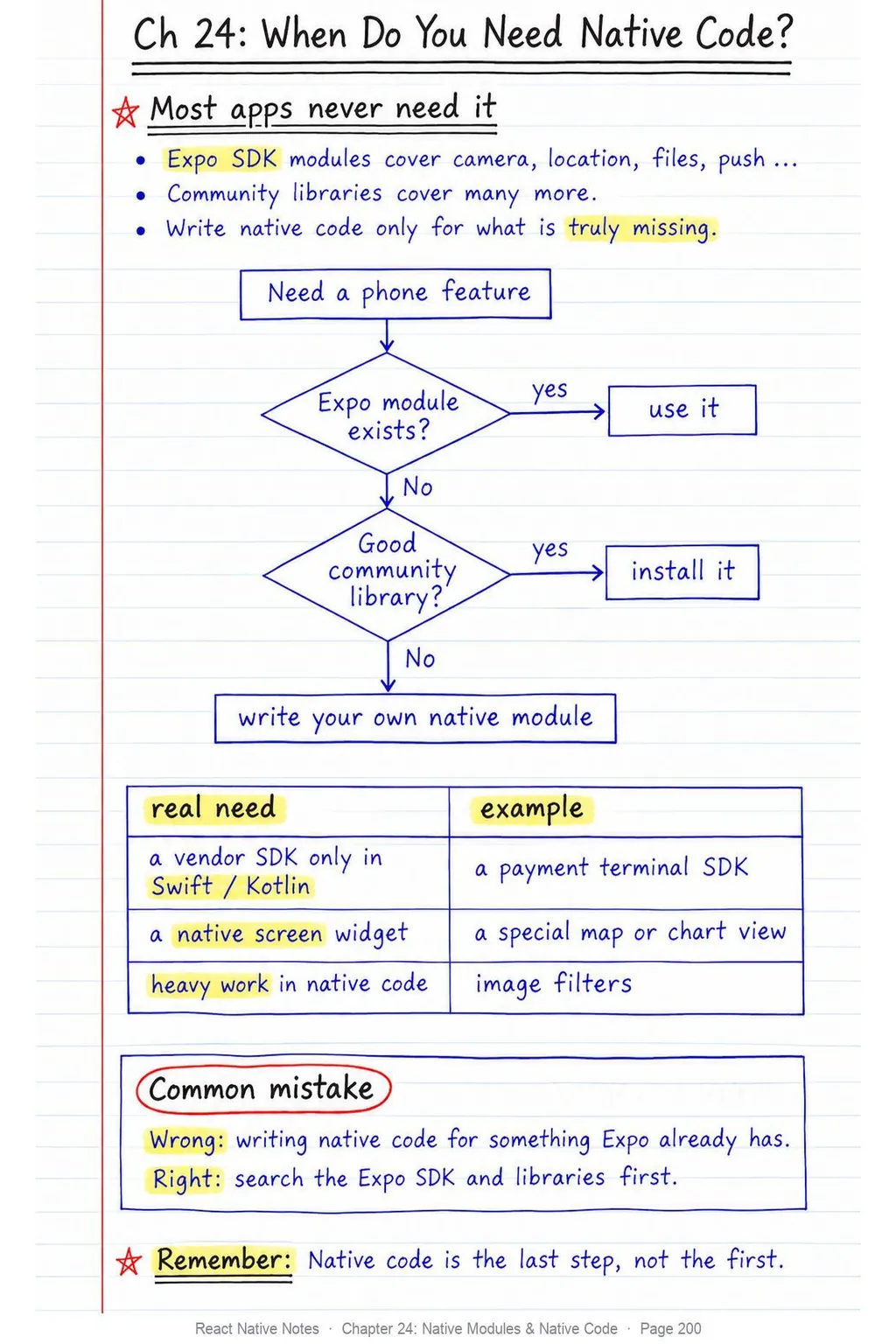
Know when you need native code, write a native function with the Expo Modules API, call it from TypeScript, build Turbo Native Modules and native UI components, and use config plugins.
Make apps fast: measure with the profiler, stop wasted re-renders with React.memo, use memoization and the React Compiler, speed up lists, images and startup, and fix memory leaks.
Debug with React Native DevTools, LogBox and console.log, inspect network calls, fix common errors and track down native crashes.
Test apps with Jest unit tests, component tests, taps with fireEvent and userEvent, async tests, mocking fetch and modules, and end-to-end tests with Maestro.
Make apps accessible with accessibility props, VoiceOver and TalkBack, touch targets, font scaling and contrast, then translate them with i18next, right-to-left layouts and number formatting.
Add dark mode, theme tokens and a ThemeProvider, build a reusable Button component, style with NativeWind and pick UI libraries.
Configure app.json, icons and splash screens, environment variables, build in the cloud with EAS Build and eas.json, and sign apps for Android and iOS.
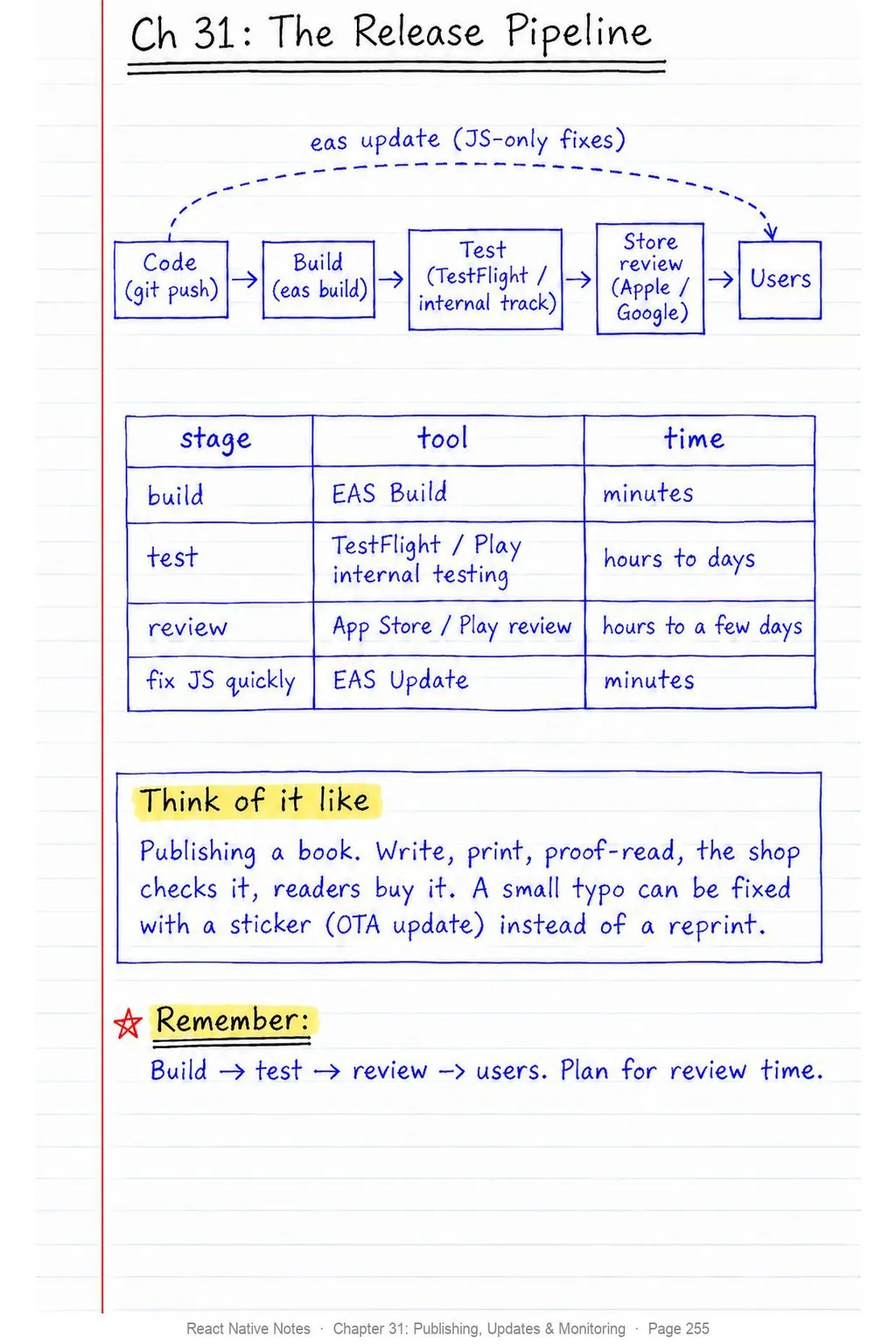
Ship apps to Google Play and the App Store, submit with eas submit, push OTA updates, manage version numbers, set up CI/CD and report crashes with Sentry.
Secure mobile apps: where they can be attacked, keeping secrets out of the bundle, secure storage and HTTPS, rooted phones and obfuscation, and dependency and permission hygiene.
Build ShopLite end to end: folder structure, an API layer with types, home and product screens, a Zustand cart, a cart modal, login with protected checkout, polish and a ship checklist.
Prepare for interviews with Q&A on core concepts, React, navigation, state, performance, testing and shipping, then revise with cheat sheets, the top 10 mistakes and a learning roadmap.
Watch before you buy
Students on All Notes PDF
Real students talking about how they revise with our handwritten notes.
How it works
Get your notes in 3 easy steps
No app, no waiting. The whole thing takes under a minute.
- STEP 110 sec
Choose your notes
One subject, any two, or a full class set.
- STEP 230 sec
Pay with UPI or card
GPay, PhonePe, Paytm or card. Pay once, no subscription.
- STEP 3Instant
Download your PDFs
Tap Download on any chapter. Links never expire.
- Log in
- My library
- Download
What you get
- Format
- Downloadable PDF (not a printed book)
- Chapters
- 34 chapters in one 290 page PDF
- Level
- React Native from beginner to advanced. No experience needed
- Style
- Handwritten-style notes with diagrams, code explained line by line, common mistakes and quizzes
- Devices
- Phone, tablet and laptop. Print any chapter if you like
- Access
- Lifetime. Download again anytime from My library
- Instant downloadRight after payment
- Free updatesCorrections added free
- Secure paymentUPI, cards, net banking